Forms
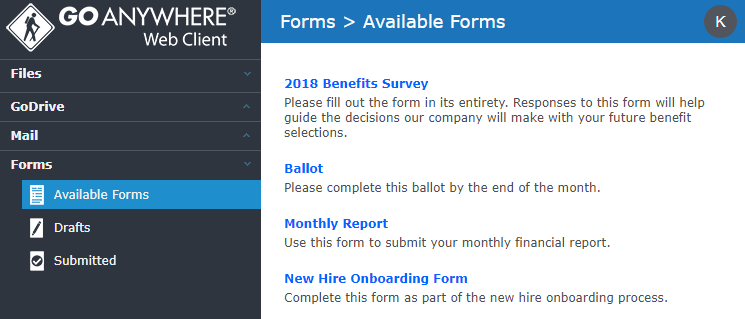
The Forms feature allows you to enter information into custom screens for processing in GoAnywhere. Forms are created by a GoAnywhere Administrator and may contain one or more input fields and drop-down lists. Files can optionally be uploaded with the form.
Forms can be accessed by logging in to the Web Client, or you can directly access a form if your administrator provided a URL to you.
The Form menu option is available if you are logged into the Web Client and your account is authorized to complete a form. The Forms dashboard provides access to all the forms features. From the Forms pane you can complete forms, view drafts, and view a history of your forms.